Field mapping in read excel table is not working.
I am trying to map my table with an excel file. For that, I am using google drive for it.
But I am unable to map my excel field with the entity column.
My "ExcelRootNote" is not explorable.
Below is my excel sheet with name "Sheet1"
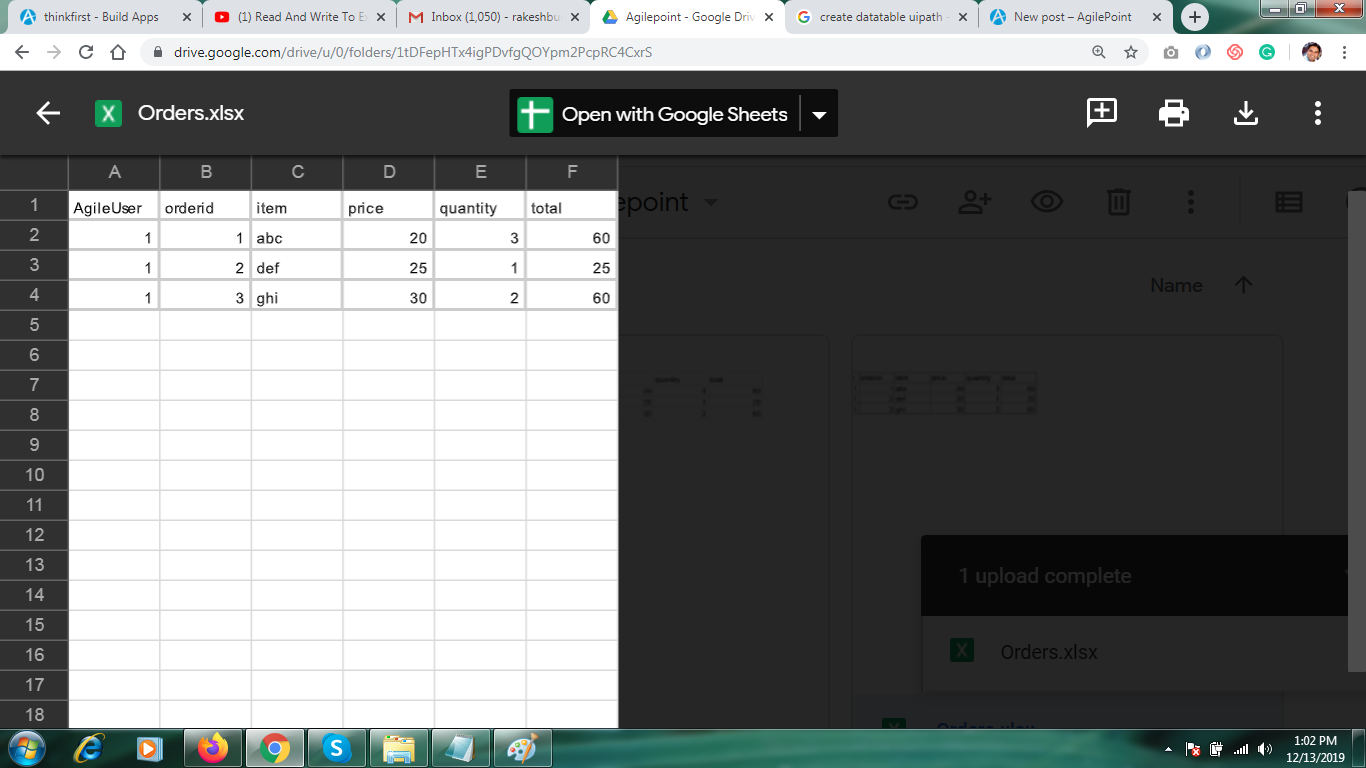
-

Hi Rakesh,
i hope this manual will explain the idea: https://smallbusiness.chron.com/use-variables-excel-55043.html
Regards,
Alexey
-

Hello Alexey
I created variables in the excel file. But it still not showing in ExcelRootNote
Can you please review my excel file once?
Download Excel from here
PFA
-
Hi Rakesh,
You created variables only for header cells. You need to create variable for the whole range in the table column. For example variable AgileUser referencies to Table1[AgileUser], where Table1 is the whole table (this table should be also declared as variable). Then it should work.
BTW. Consider to migrate excel to database or data entity - it is much better to work with them rather with excel.
Regards,
Alexey -
Hello Alexey
I am still facing some issues. Can you give me a favor?
Please download this excl file DOWNLOAD
And prepare it and send it to me at my email rakeshburde28@gmail.com
サインインしてコメントを残してください。
コメント
6件のコメント