Show webservice respons (list/grid) in eForm

We are trying to show webservice respons (multiple 'rows') in a list/grid in an eForm.
I found an useful tutorial on youtube (AgilePoint NX - Iterate Data part 1+2) where you can see the data can be managed by NX. Good to know, but I have not found a solution to show this data in a list/grid in the following eForm, and be able to select one of the rows to continue with the selected data.
Could you please tell me if this is possible (and how). Hopefully without addition (java)scripting, as we would like to stay as close to standard functions as possible.
Thank you!
-

Hi Robert,
We've looked into this for you, and have an suggested solution below.
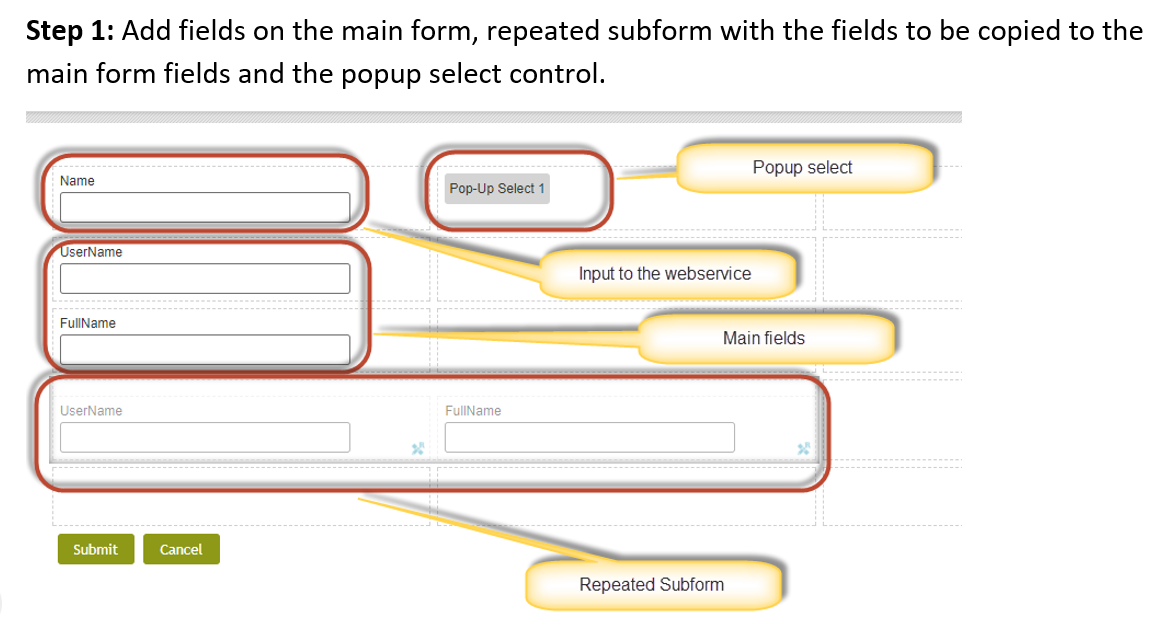
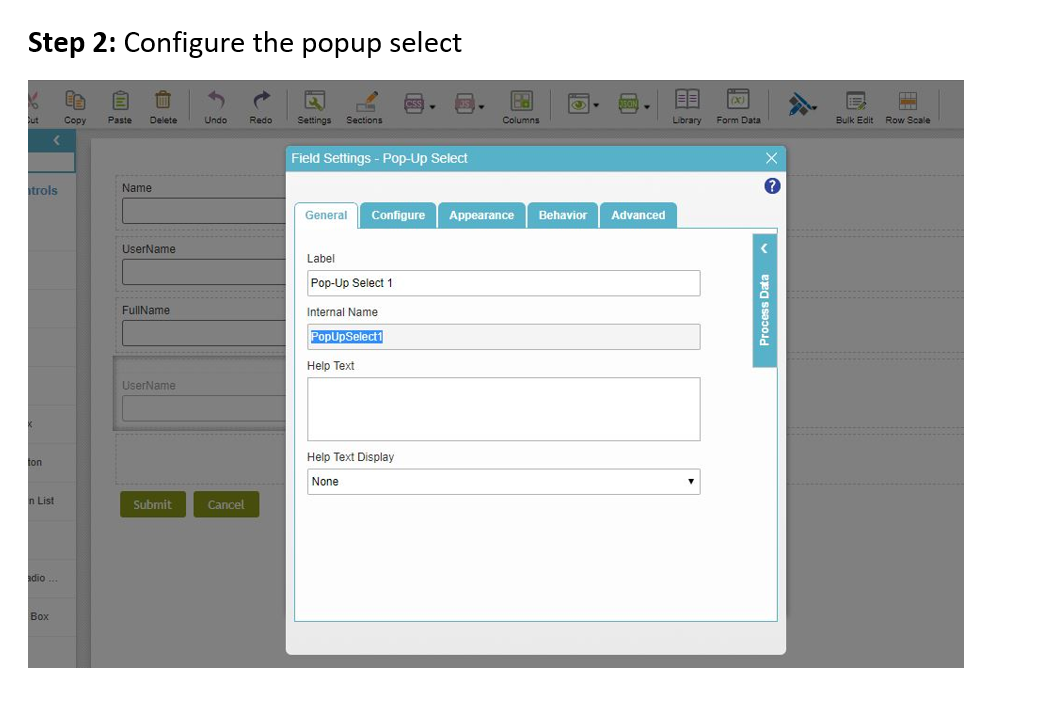
There is no direct way to show multiple rows on the popup to allow the user to make a selection, however, it can be done using a repeated subform, and binding the popup select to the subform. This will show the information as desired, with some extra information as well. The user can then select the desired row, and we can have rules bound to the subform fields to set the main fields with this value. Please see the attached document for more information.
 I also have 2 samples for you that I will send via email.
Lucas

サインインしてコメントを残してください。
コメント
4件のコメント