Need help with javascript for formatting when multiple sections are present

Hi, I'm using NX 6.0 SP1.
I have a form with row banding on the default section, created by using javascript in a form load rule.
document.getElementById("previewRow3").style.backgroundColor="#4b6d47";
document.getElementById("previewRow5").style.backgroundColor="#f0efef";
document.getElementById("previewRow7").style.backgroundColor="#f0efef"; etc...
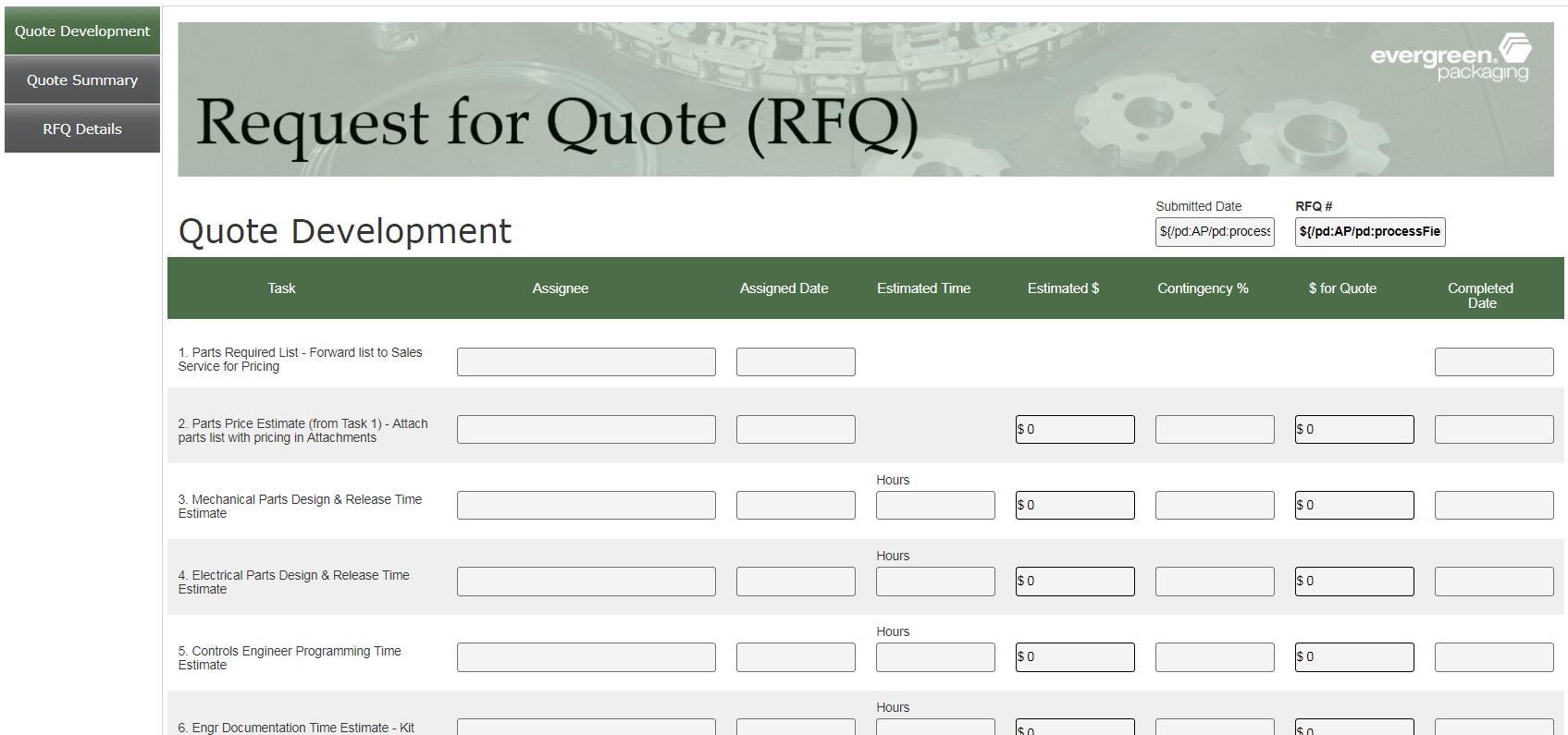
Now, I need to create another form, using this one as a template, but adding another section (new section will now be the default). The javascript is now applying the formatting to the new default:
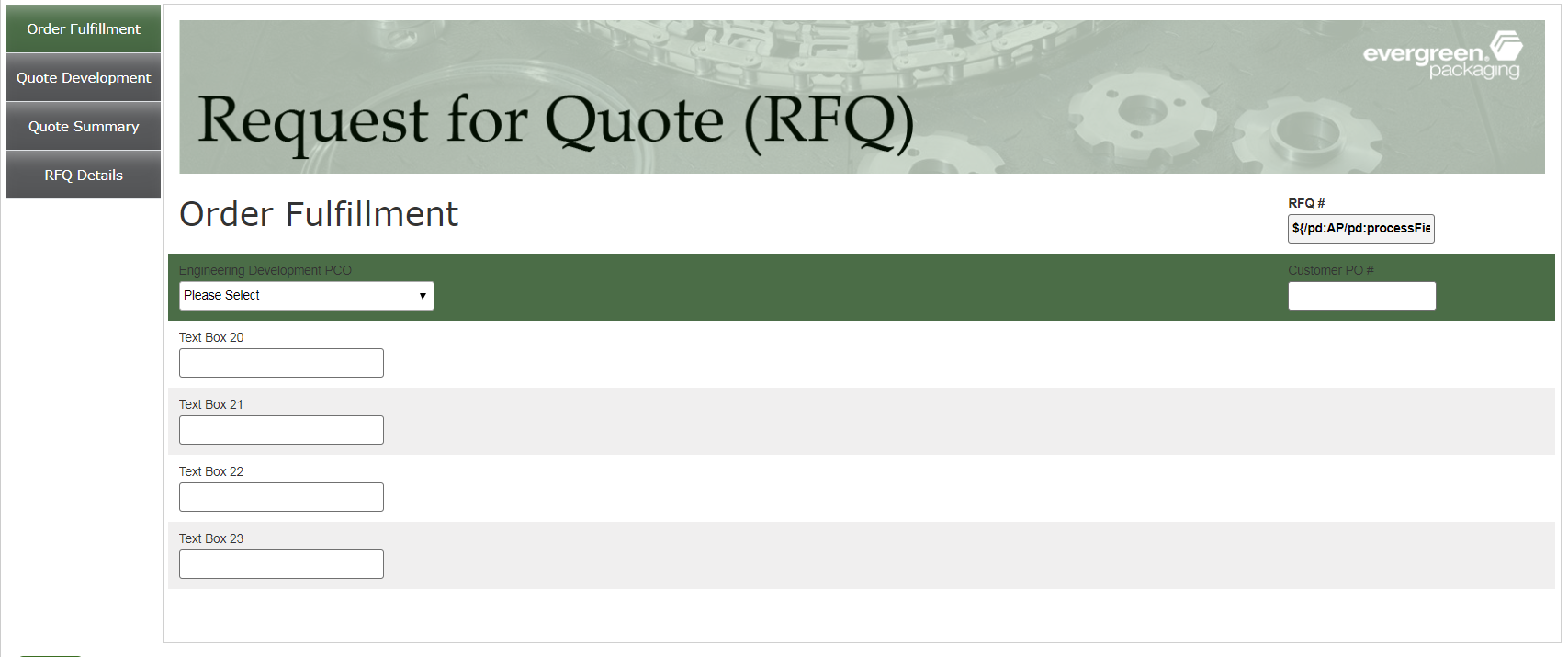
and now the original section doesn't have formatting
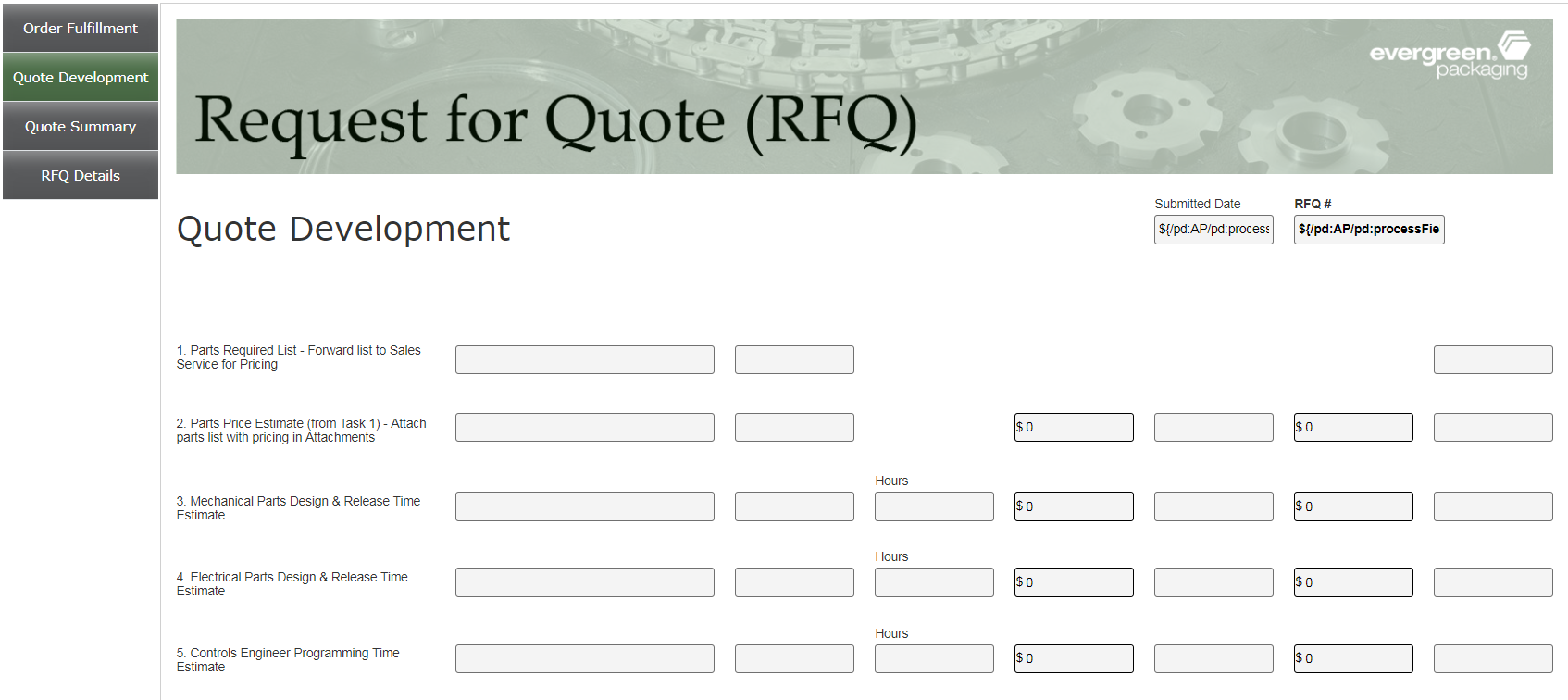
Is there some sort of "qualifer" that I can add to the javascript to say which section I'm referring to for each piece of formatting? I would like the original section to have that original formatting, while having new formatting on the new default section.
I looked at the chrome developer screen and found how it refers to the different sections. Here is what I found for one (the original one)
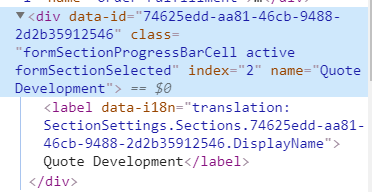
I tried (but neither worked):
document.getElementById("Quote Development.previewRow3").style.backgroundColor="#4b6d47";
and
document.getElementById("74625edd-aa81-46cb-9488-2d2b35912546.previewRow3").style.backgroundColor="#4b6d47";
But... I don't really know javascript (a coworker helped me write it initially, but is no longer available).
Any help would be greatly appreciated! :)
Gwen
-

Gwen,
I had encountered a similar scenario where I needed to format a non-default section in the form. To achieve this, I utilized the onSectionNavigation eForm Event. With this event, I could access the current section element and compare its data-id attribute to apply the necessary formatting specific to that section.
Try it out and see if it helps
サインインしてコメントを残してください。
コメント
1件のコメント