Get Selected Value or Row from Pop-up Control
New to AgilePoint NX. I can configure the "Pop-up" control to pull data from a REST webservice.
How do obtain the value from the selected item in the pop-up.
I couldn't find any detailed documentation or tutorial showing how to do this.
-

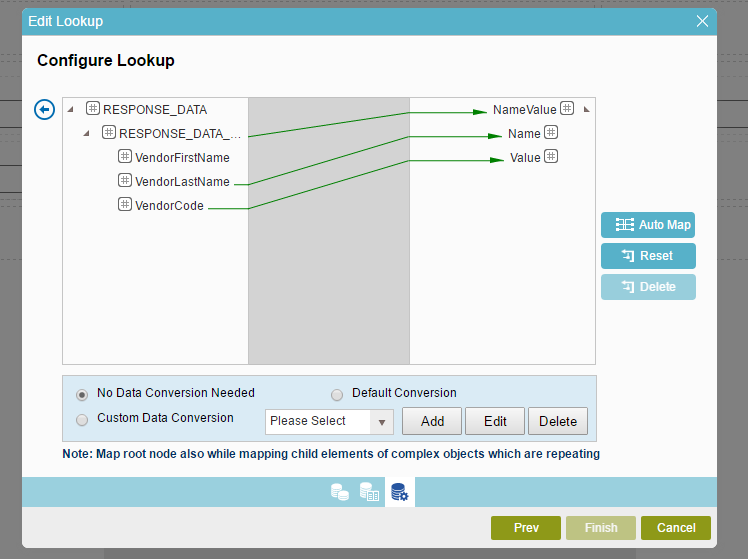
I believe for us we just needed to exactly match the field names in the pop up look up to field names on the form we wanted to output to. We are using SQL lookup instead of REST for this but I assume should be the same.
No documentation states that, needed help from consultant.
Edit: We needed to populate about 40 fields, but only wanted a handful of fields in the pop up select. So we then have an auto lookup trigger on an ID field from the pop up select so that the rest of the form fields populate and it keeps the pop up select manageable for the user.
-

Hey Nik
No problem. I was able to get something to work but it is not ideal. In the "map schema" section, I chose "Multiple Columns" option. Then I am able to map the REST fields to a sub-form fields. This does get the value selected from the user, but the popup control shows two separate pagination sections which is not ideal:


I will see if there is a better way to do this. I'm sure this scenario has been done before. It seems to common of a situation.

サインインしてコメントを残してください。
コメント
4件のコメント