Custom Pages - eForm Widget

Hi,
I have seen that for custom pages, the eForm widget has the option of calling a form through a link and with parameters. I have tried to do this but have not succeeded.
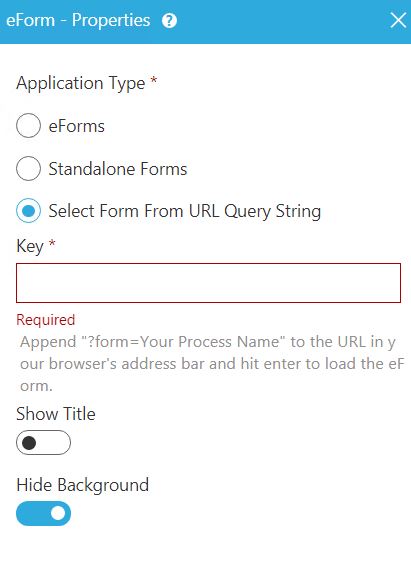
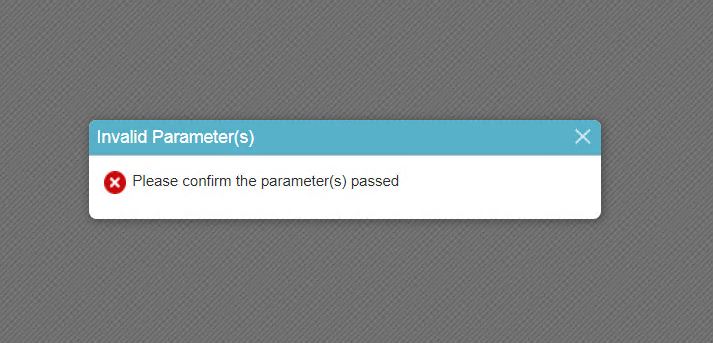
Is there an example of how this link is built?
I have searched the documentation but there are no examples on this.
I am using AgilePoint NX v7.0 SU1 version.
-

Hi Victor,
Page Builder has the option to render the eForm widget using a query parameter.
After selecting the Application type "Select Form From URL Query String" follow the below steps.
- Enter the key(it can be any value) in the textbox.
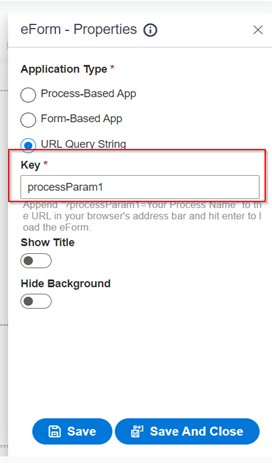
- Save and Close the editor.
- Save the page and click on the Preview button from the toolbar.
- In the address bar at the end of the URL append "?key=process name"
Example:- In our example, the key is "processParam1" and after = symbol give the process name that you would like to display on the page and press enter to render the eForm.

Regards
Mohd Yousuf
- Enter the key(it can be any value) in the textbox.
Please sign in to leave a comment.
Comments
2 comments