Hide Drawing Control in SubForm
Hi,
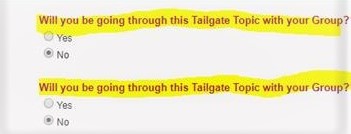
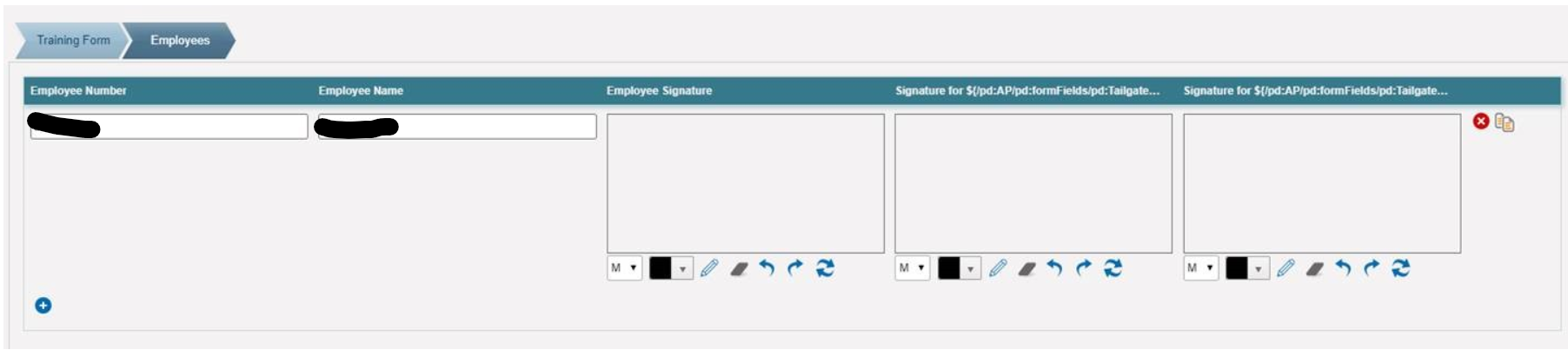
I have a Yes/No radio button in eForm, I want to hide a drawing control in SubForm depending upon user actions on radio button.
I want to hide Drawing control withing SubForm if user selects 'No'
Any suggestions?
Thank you,
Karishma
-
Official comment

Hi Karishma,
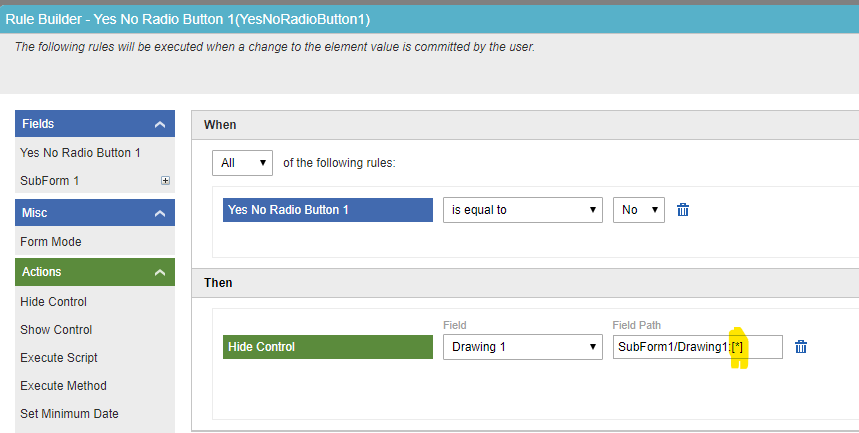
In the "Rule Builder" screen of the Yes No Radio Button, in the "Then" section, for the "Field Path" of the Drawing control, instead of SubForm1/Drawing1:[this] use SubForm1/Drawing1:[*]. Replace "this" with "*". Refer the below screen.
Thank You.
Comment actions -

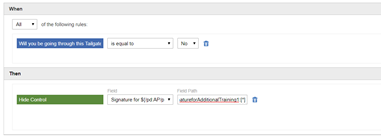
In future if someone gets into similar problem then here is the solution:
Apply same rule(which is shown above) to one of the fields in SubForm, this will trigger whenever row is added to SubForm. For example: In my case I added rule to the Employee Number and it worked for me.
Thanks,
Karishma

Please sign in to leave a comment.
Comments
5 comments